
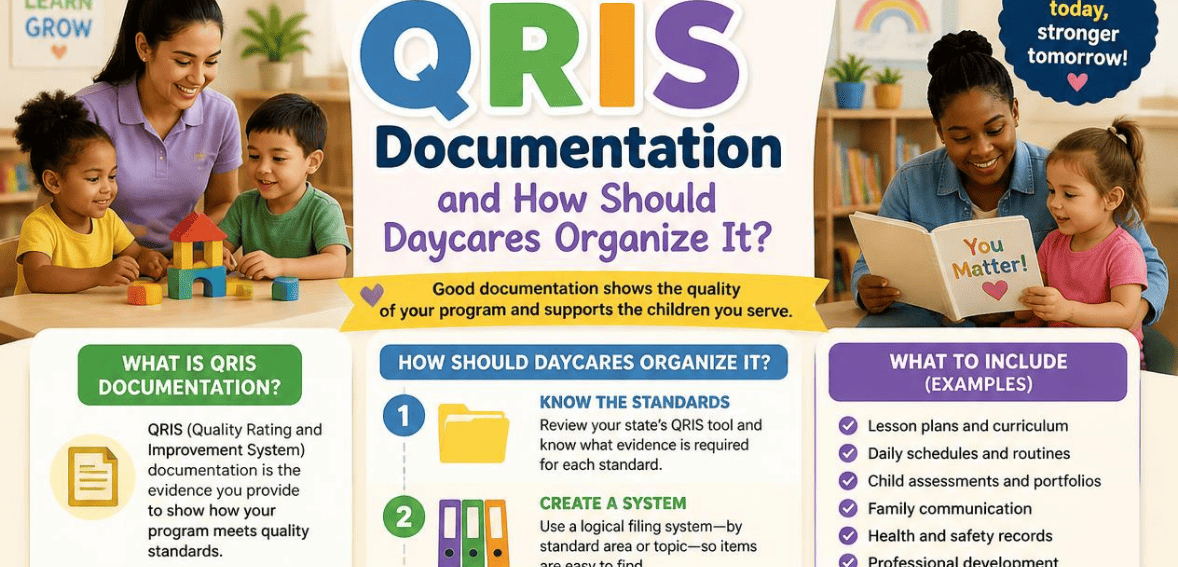
What Is QRIS Documentation and How Should Daycares Organize It?
By clouddaycaremanager September 17, 2026
Picture your state assessor walking through the door for a scheduled QRIS visit. She asks for proof of your staff training hours from the last year. Your teacher qualifications. Your family engagement plan. Do you know exactly where each file lives? Or do you start rummaging through binders and shared drives, hoping the right paper turns up?
Good QRIS documentation can make or break you right now. A good system can help reviewers breeze through your documentation during an on-site review, while a bad system can cost you stars, funding, and hours of wasted time.
This guide explains all the ins and outs of QRIS documentation. It describes what you need to have and, more importantly, how to provide the documentation in an organized way to help you get through your next rating.
What Is QRIS Documentation in Child Care?
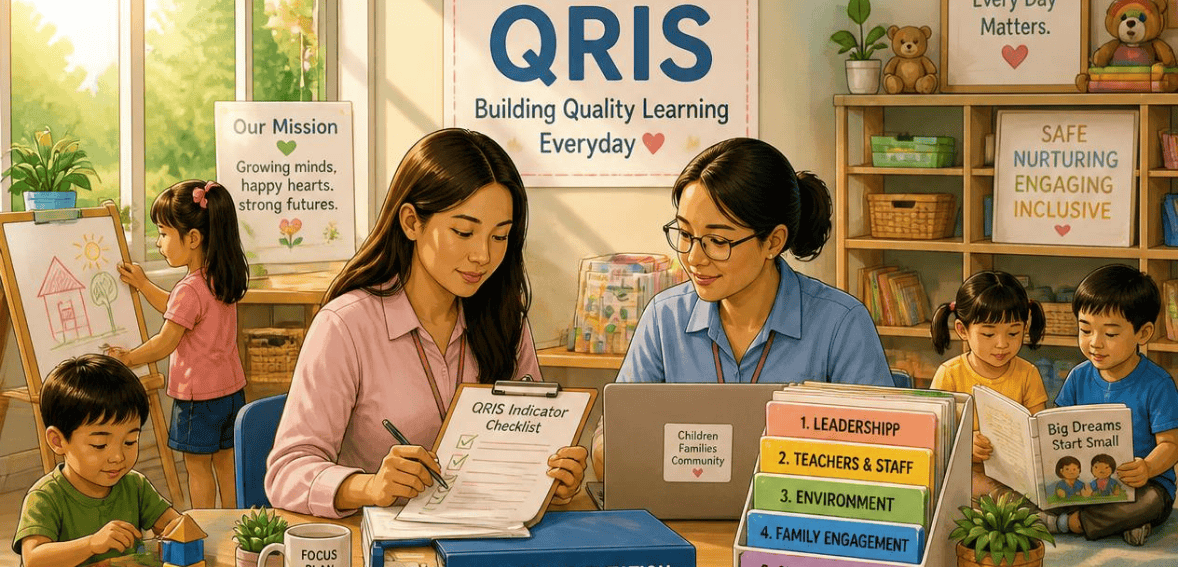
QRIS stands for Quality Rating and Improvement System. Each state has QRIS to evaluate and communicate the potential for early childhood program improvement. “The Quality Rating and Improvement System offers early childhood and school-age programs the means to assess their quality.” States employ a tiered scale as a means of differentiating and evaluating programs, and typically use a one-to-five-star system.
QRIS documentation shows the evidence your program provides to meet the level of each standard associated with the rating scale. Think of it as your program’s paper trail. It shows an assessor that what you say you do, you actually do.
Why QRIS Documentation Matters for Your Daycare
Solid record-keeping is more than busywork. It directly shapes the outcomes your program cares about.
Assessors are not going to give star ratings for information they cannot verify, and your evidence should support your practices. If it doesn’t, the stars go away.
Secondly, your score impacts your funds. Although participation in QRIS is voluntary, many states put funds behind it. Higher ratings in QRIS could potentially improve quality, increase the Quality Rating System (QRS) subsidy reimbursement rates, grant funding, and/or state-sponsored pre-K partnerships. Rest assured that clean documentation protects that funding.
Third, the ratings influence parents. Ratings are either in a public database or on state websites. A difference of 2-star to 4-star will be noticed by parents when they are choosing between 2 centers. The documentation is what supports that rating.
Staff Qualifications and Training
This is the backbone of almost every rating. You need to show the education level, credentials, and ongoing professional development of your teachers and directors. Keep transcripts, credential certificates, background check clearances, and a running log of annual training hours. Higher tiers usually demand more formal education and more training time, so accurate records here move your score fastest.
Learning Environment and Curriculum
Assessors look for evidence of real learning in your classrooms. Save your curriculum framework, lesson plans, and daily schedules. Also save notes and scoring reports from the Environment Rating Scales and other standardized observation tools. Additionally, save photos of your learning centers and tools.
Child Assessment
Not every state requires this, but many do. It covers the observations, work samples, and developmental screenings you use to track each child’s growth. The strongest evidence shows that you share results with families and use them to shape your teaching, rather than filing them away and forgetting them.
Family Engagement
This category examines how you engage with the families you serve. Provide evidence of your conference schedules, newsletters, home-language materials, transition plans, family surveys, and any other relevant documents. It is important to demonstrate that you have developed an ongoing two-way relationship with families, rather than a one-way relationship with a flyer.
Health, Safety, and Administration
This ties back to your licensing foundation. Keep your current license, staff-to-child ratio records, emergency procedures, sanitation logs, and your program policies. Because licensing is usually the entry point for QRIS, gaps here can stall everything else.
How Should Daycares Organize QRIS Documentation?
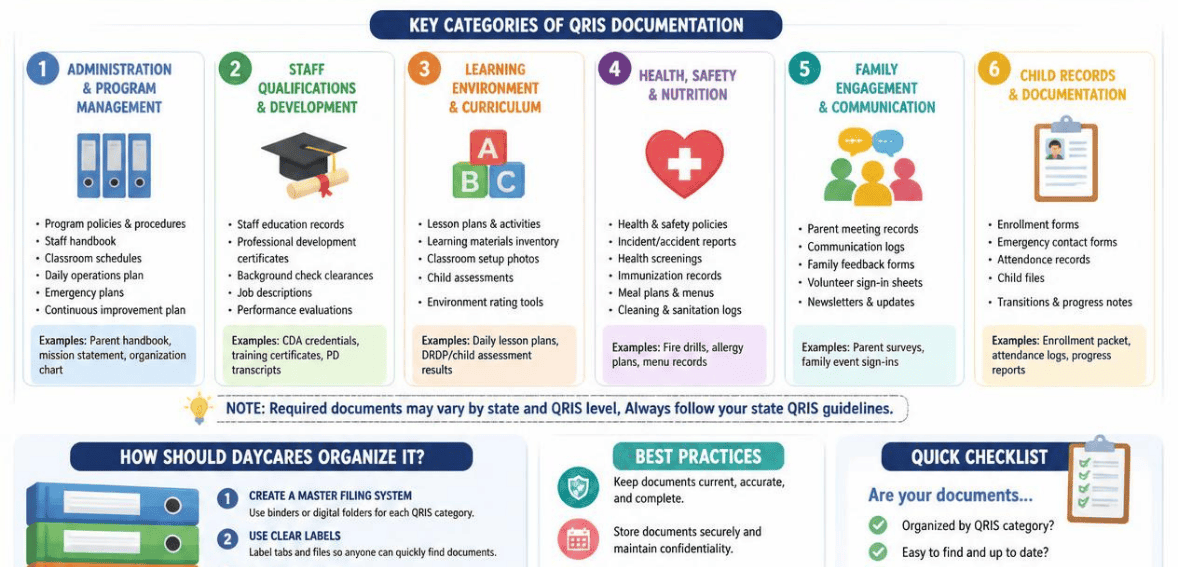
Knowing what to collect is only half the job. The other half is arranging it so anyone can find any document in under a minute. Here is a practical approach that works for centers of any size.
Build a Portfolio That Mirrors Your State’s Rating Matrix
Use your state’s rating tool first, not your existing files. Bring up the official standards document and write down every element you’re rated on. Then make one labeled section for each element. When your folder structure is the same as the matrix line for line, an assessor can follow along with no detour, and you always know where a new document should be filed.
Give each piece of evidence an informative name with date. An example is “Staff Training Log 2025” as opposed to “Scan_047.” Append a brief cover note to any document that lacks an obvious purpose. This clarifies the document’s purpose and removes guesswork during a review.
Choose Between Paper and Digital Systems
A paper binder is convenient. You can find one in almost any store and you’re not required to log in to anything to access one. But they easily become oversized and impractical. Digital portfolios solve all of the binder’s shortcomings. They allow you to upload and tag files for easier searching and keep backups in case your binder becomes lost. You may even be able to upload things directly to your associated agency.
For most programs, digital or hybrid systems are generally the best choice. They are time-saving and spill-proof.
Procare Solutions
Procare Solutions is one of the most popular child care management systems across the United States. Procare creates a one-stop shop for child care programs for enrollment, billing, attendance, and communication with families. When considering Procare for QRIS, positive aspects include that Procare stores staff records, training, and daily documentation in a digital format, which means pieces of evidence that an assessor will request are already documented in the daily operations of the child care program.
Many programs report that daily documentation of curriculum notes, observations, and family conferences can serve as portfolio evidence; therefore, you do not have to collect evidence from a separate location for review. As with any system, before you depend on Procare to meet any QRIS requirements, confirm that the Procare exports meet the specific requirements of your state QRIS.
Common QRIS Documentation Mistakes to Avoid
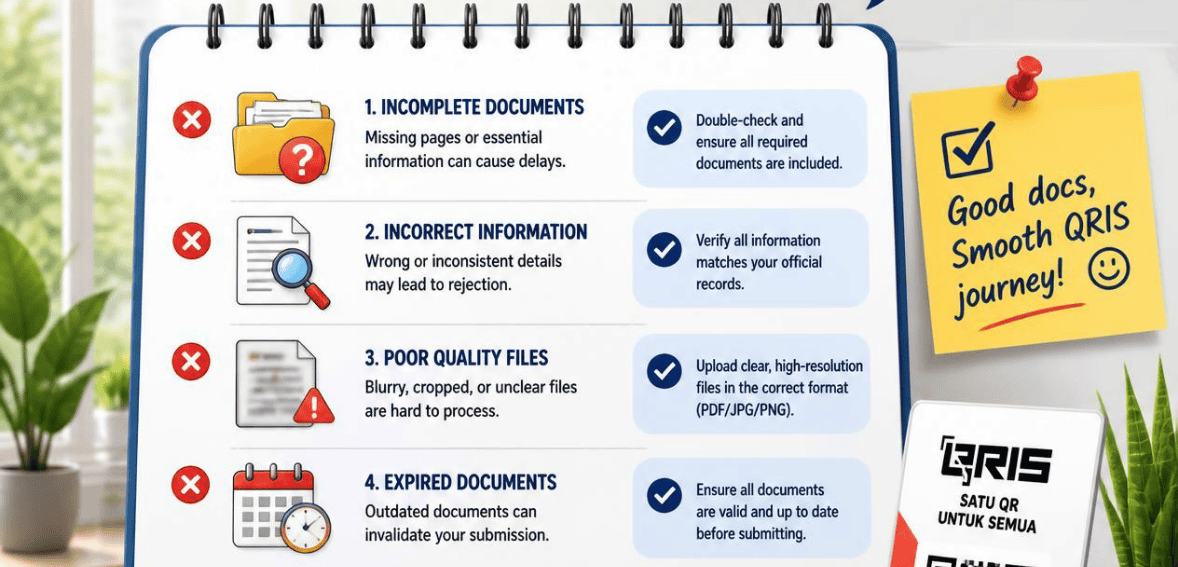
A few errors sink otherwise strong programs, and all of them are easy to prevent.
The biggest mistake is waiting until the last minute. Portfolio visits require preparation, including the organization of the supporting documents. A portfolio assembled in a rush the week before a visit is disorganized and inadequate. The second biggest mistake is saving evidence that does not clearly map to a standard. Evidence should be relevant to the standard, and one relevant document is better than ten irrelevant ones.
Another common mistake is allowing evidence to go stale. Last year’s evidence, expired credentials, and stale policies can lose you points, even if you are current in your practice. Finally, maintain child confidentiality and privacy. Redact identifying information from your work samples and evidence before you include them in a shared portfolio. It ensures you protect your families while also evidencing good-quality work.
Conclusion
QRIS documentation in child care is simply the proof behind your program’s promise. It shows an assessor, a funder, and a parent that your daycare delivers the quality it claims. When your files are scattered, that proof is hard to find, and your rating suffers for reasons that have nothing to do with the care you actually give.
The fix is structure and habit. Mirror your state’s rating matrix, choose a system you will maintain, redact for privacy, and update your portfolio every month rather than once a year. Do that, and the next QRIS visit becomes a chance to show off, not a source of dread. Your teachers get recognized, your funding stays secure, and the families you serve see a rating they can trust.
Start today. Pull your state’s standards, build your first labeled section, and file one document. Momentum builds from there.
Frequently Asked Questions
What is the difference between QRIS documentation and a child care license?
A license proves you meet the minimum health and safety rules required to operate. QRIS documentation proves you go beyond that minimum across categories like staff qualifications, curriculum, and family engagement. Licensing is usually the foundation your QRIS rating is built on, but a high rating requires far more evidence than a license alone.
Is participating in QRIS required for daycares?
It depends on your state. Participation is voluntary in most states. However, some states require it for licensed programs or for any provider that accepts child care subsidies. Because ratings often unlock grants and higher reimbursement rates, many daycares choose to participate even where it is optional.
Can I keep my QRIS documentation digitally instead of in a paper binder?
Yes, in most cases. Many QRIS portfolios can be managed online through uploads, and this is often a local decision made by your program or agency. A digital or hybrid system is easier to search, back up, and update, though you should confirm your state’s accepted formats before switching.
How often should I update my QRIS documentation?
Treat it as an ongoing task rather than an annual project. A monthly review works well for most programs. Set aside time each month to file new training certificates, observations, and policy updates, so your portfolio stays ready for a review at any time.