
Best Brightwheel Alternatives for Childcare Centres That Need Simpler Billing and Family Communication
By clouddaycaremanager April 21, 2026
Running a childcare center includes balancing trust, care, schedules, tuition, and daily updates to families. Childcare center management software should make your life easier, not harder. Many center directors and owners reach a point where they want to find a new system. They want less time spent on billing. They want clearer and more natural family communication. They want fewer clicks to complete daily tasks.
This is why so many centers look for alternatives to Brightwheel.
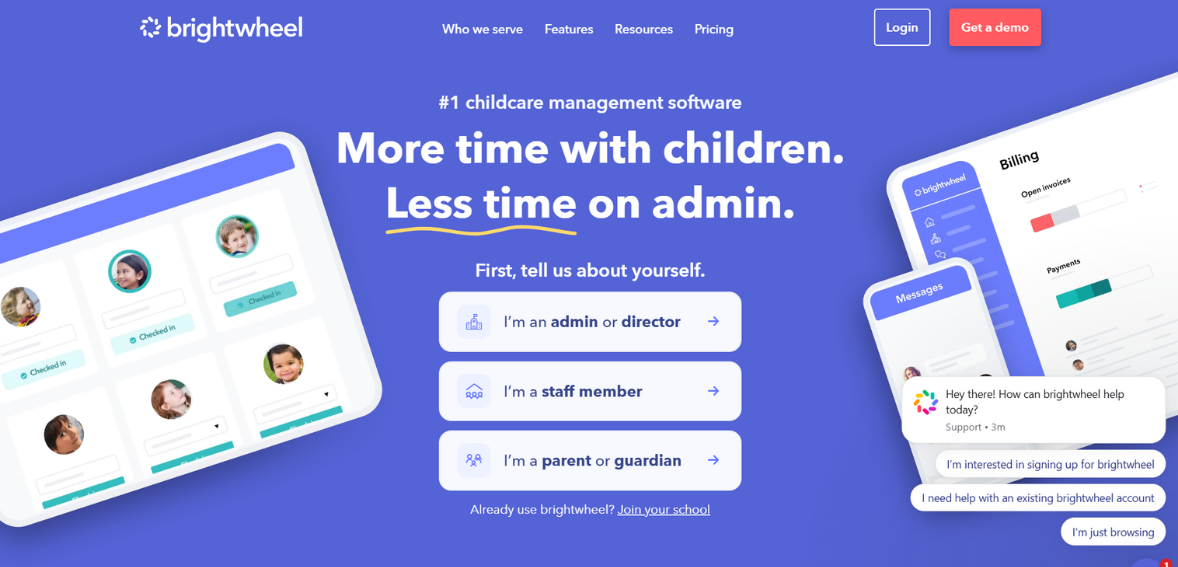
Brightwheel is a household name in childcare, and for good reason. They provide a broad feature set for billing, parent communication, attendance tracking, and center management. However, broad and comprehensive does not always mean simple. Several centers find the platform overly complex for their needs. For some centers, there are preferences for a different pricing model, more flexible invoicing, more flexible payment tools, and cleaner user experiences for parents and staff.
The good news for your center is that there are better alternatives to Brightwheel available. Some have better parent messaging. Some have better payment systems. Some are better for multi-classroom programs. Some are better for smaller operators that want less complexity and a system that is easier to adopt more quickly.
This guide outlines the top Brightwheel alternatives for childcare centers that have simplified billing and family communication. It also outlines what to consider before you switch systems, so you select one that fits your team’s workflow rather than forcing them to adjust.
Why Childcare Centers Look for Brightwheel Alternatives

Centers do not leave because the platform is bad. They leave because their needs change. A new director might push for better reporting. A center might expand, creating a need for a cleaner workflow. Staff might struggle with the billing. Families might want communication that they perceive as more direct and less fragmented.
Billing is the first area to reveal friction points. Tuition management seems straightforward until you consider split payments, sibling discounts, late fees, subsidies, registration fees, and the option of weekly or monthly billing. The more manual some of these tasks are, the more errors, lost time, and increased staff frustration.
Family communication is the other main area. Parents want to receive messages, reminders, and, most importantly, updates on their children’s activities. Staff want to be able to send messages without switching between multiple communication tools. Directors want to find all communication in one tool. When the communication tool is difficult to use, the staff are less likely to provide updates.
The right Brightwheel alternatives can decrease administrative time, simplify billing, enhance the parent experience, and require minimal time to learn the system.
Analyzing day-to-day operations can help you identify the changes to look for in childcare app alternatives. A large number of features is less valuable than a small number of well-designed features.
What to Look for in Childcare App Alternatives
Understanding daily operations is an integral part of assessing and comparing software platforms. Regardless of all the bells and whistles a software platform can showcase, having the right set of tools can be far more beneficial.
When assessing software platforms, start at billing. The ideal software for daycare billing should support easy, adjustable recurring invoices. With ample billing flexibility for your staff, it should also allow for autopay, digital payment options, and fee tracking, with an easy-to-understand account history for families. If your childcare center has part-time schedules or a more complex tuition plan, billing flexibility becomes even more critical. Billing should overall feel predictable for staff and transparent for families.
The next step is communication. Family communication tools should support announcements, direct messaging, and reminders, making classroom updates easy on both ends. Parents should feel no difficulty in using the app. Staff should not have to jump through five hoops to send one message.
Next on the list is to think about attendance, the enrollment workflows, and communication tools. While communication and billing may be more of a priority, there are no other tools for the other features; these play a vital role in the software’s streamlined functioning. An effective preschool management software integrates everything to avoid overlapping roles in managing the operations, allowing staff to focus on their specific responsibilities.
Your last consideration should be implementation. A demo may look impressive, but the ease of rolling it out may be challenging. This process can be time-consuming. Data migration, staff training, and how easy it is to set up all play a role in the long-term success of a software system, so the slightly less flashy options can be more time-effective in the long run.
Best Brightwheel Alternatives for Simpler Billing and Communication
Below are some of the strongest options for centers that want a better balance of usability, billing simplicity, and family engagement.
Procare
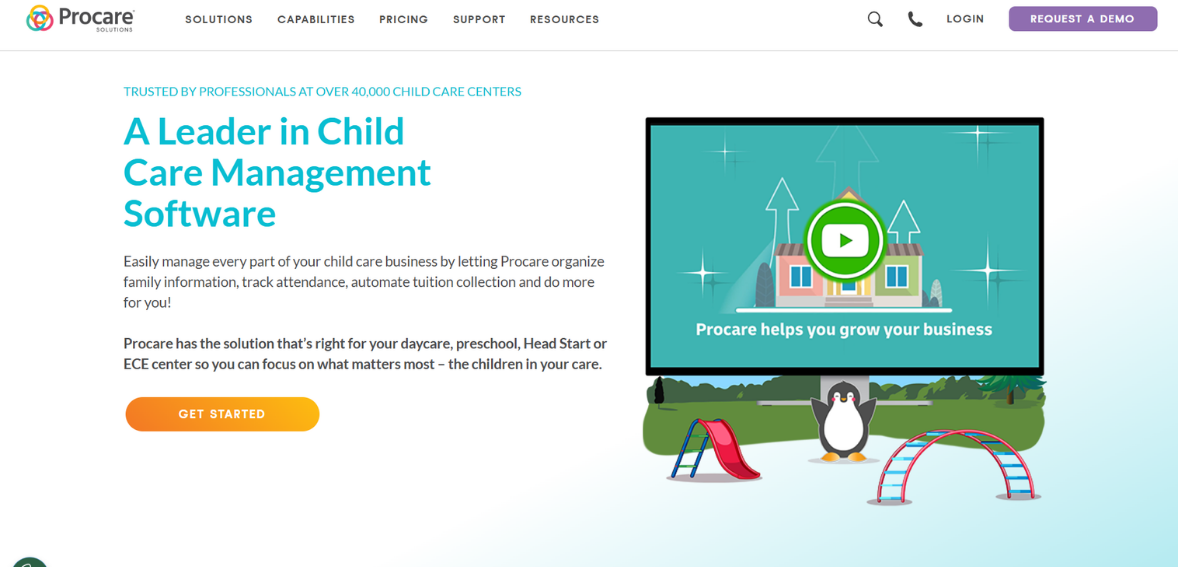
Image Source
Procare is one of the most well-known names in childcare management. Their services extend from small childcare facilities to larger companies with more complicated administrative needs. Procare is one of the first big alternatives to Brightwheel for centers looking to boost their business operations.
The most substantial advantage of Procare is the depth of its operations. Procare offers billing, attendance, registration, staff management, and reporting in a single ecosystem, which is especially appealing to directors who want greater control over the center’s finances and administration. It is also beneficial for centers that require more than simply invoicing.
Procare is regarded as a strong and structured billing system. It supports recurring tuition and fee tracking and payment processing, reducing manual work. Regarding communication, Procare offers family-facing tools, but some users may notice that the operational side is stronger than the warm, simple parental engagement.
For centers that want robust daycare billing software, Procare is a good fit, provided they can handle a more administrative platform. If your main concern is the oversimplification of business management, Procare will feel like an upgrade. If your main concern is the lack of a softer, more intuitive parent communication system, then Procare is one of the simpler tools and will result in a reluctant decision.
HiMama
HiMama is often regarded as a center of choice for those who prioritize the family engagement experience. The system is designed to center daily reports, photos, activity tracking, and communication between staff and parents, and in relation to childcare applications, is viewed as the most approachable, fostering stronger relationships.
Its communication features really stand out. Staff can update parents on their child’s daily activities, helping them understand their child’s schedule and responsibilities. Especially in infant, toddler, and preschool programs, this visibility helps parents develop trust and satisfaction towards the program.
HiMama may be useful for billing in more simplified tuition situations. Larger and more complex providers may need to ensure that HiMama’s billing features align with their needs. If basic communications and simplified billing are your priorities, HiMama can work well.
HiMama is the best option for centers that focus on engagement, communication, and back-office management.
Kangarootime
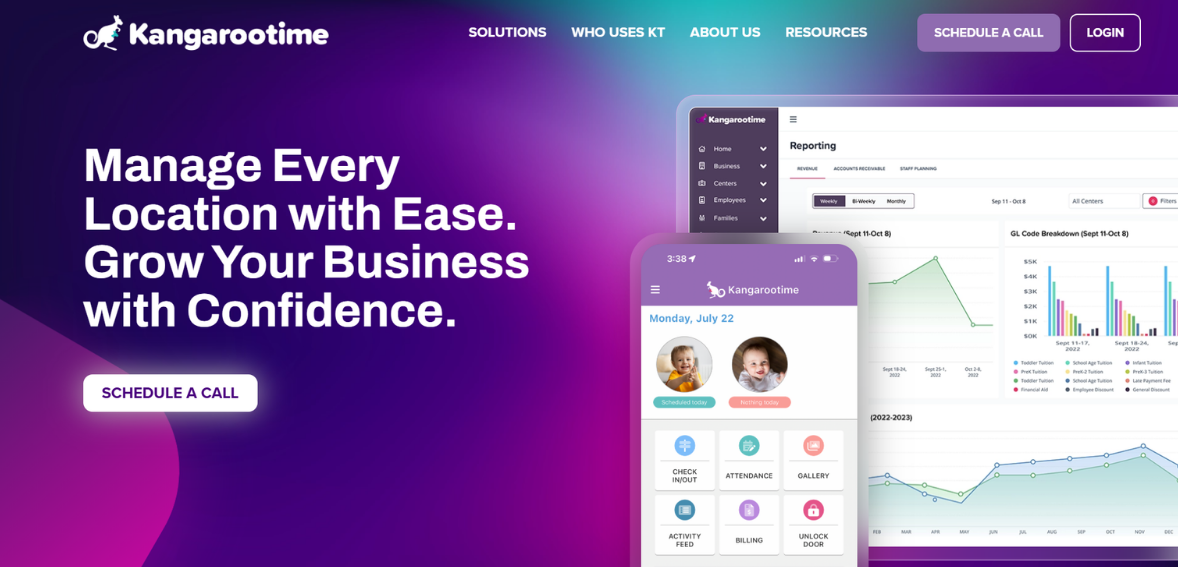
Image Source
billing, parent communication, enrollment, class management, reporting, and more. They offer simple to complex systems that bridge the gap between tools and systems that may be too complex for some customers.
Kangarootime’s billing features are one reason it ranks among the Brightwheel competitors. Many centers want simple invoicing, autopay, and payment tracking. They typically want to avoid complex accounting systems. They want parent communication, billing, and invoicing streamlined, which is why they chose Kangarootime.
The platform allows direct updates and announcements for family messaging. While some communication-first platforms may employ less frequent daily storytelling, it often attracts directors seeking a more even approach. This type of balance is necessary as many centers dislike having to use different software for parent engagement and finance.
Kangarootime generally suits centers looking for preschool management software that is more contemporary and offers more practical billing support. This is particularly the case if the software currently in use is more cluttered or more difficult to use than its reasonably ought to be.
Playground
Playground has stood out for its user experience, which is less cumbersome and more modern than that of many established childcare platforms. It has become one of the more recent Brightwheel competitors, attracting centers that prefer simple, streamlined childcare software.
Much of the system’s appeal is its interface. Clean, modern systems are also more intuitive, and as a result, change management processes with employees are often faster. This is particularly true in busy childcare settings. Many buyers also underestimate this. Every confusing menu, extra tap, and every hidden setting will slow down the process, and this will cause problems in daily use to a far greater extent than most buyers expect.
In general, Playground focuses on the essentials any center is likely to handle daily, including billing, attendance, communication with families, and record management. The family communication system is rather simple and, as a result, more parents use it. Financially, it is often more appealing for centers that require less manual follow-up to collect and simplify tuition collections.
For smaller and mid-sized programs, Playground may be a good option for simplicity’s sake, especially for teams looking for childcare app alternatives that are modern and user-friendly, rather than antiquated options better suited to software-programming habits of the past.
LineLeader
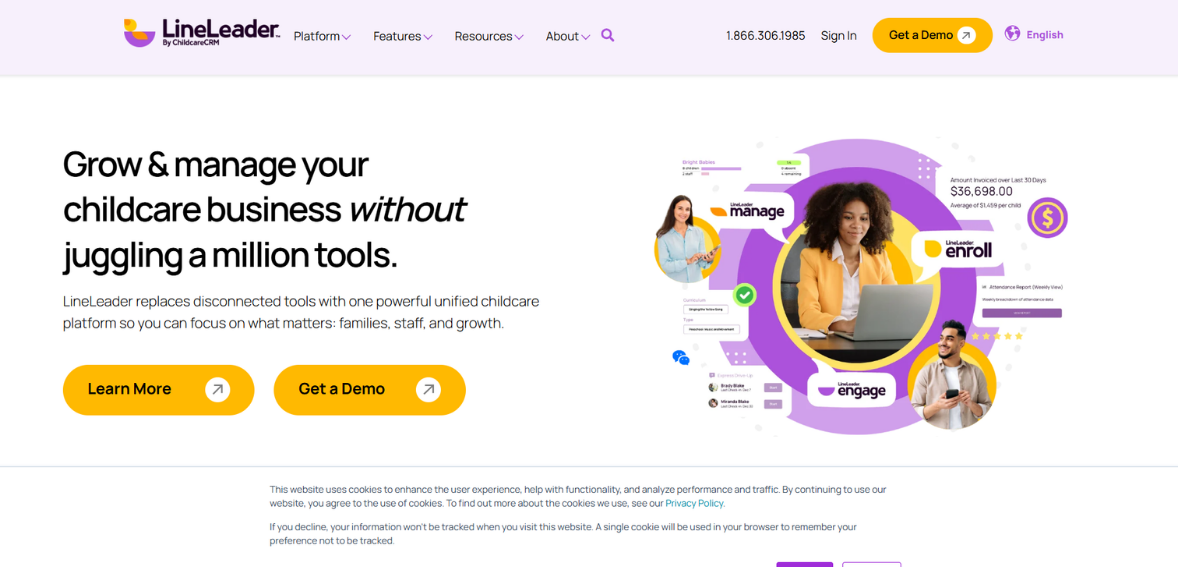
Image Source
LineLeader is frequently noted in the childcare industry for its efficiencies in managing leads, managing enrollments, and family relationship workflows. While it may not be the first software that comes to mind in the daycare billing space, it is extremely useful for centers looking to grow and create seamless journeys for families from inquiry to enrollment.
The best use of the software is for operators who need an improved system for managing leads, follow-ups, and admissions communications. If your center is losing time and opportunity managing inquiries, or if your enrollment process is chaotic, LineLeader is the solution that will bring order to that area of your operations.
LineLeader is a great solution for family communication, especially for creating a better, more organized experience during the sales and enrollment process. The billing features and capabilities must be matched to the unique requirements of your center, and in instances where tuition management is the driving factor for the software switch, LineLeader may be more about enhancing enrollment and communication workflows than about replacing or adding to your operational systems.
Overall, it is best seen as a more strategic pick for centers seeking a robust front-end family management solution, particularly when combined with other preschool management software.
Famly
Famly is another solid option for centers that want an integration of administrative functions and parent communication. It is seen as a solution that blends usability with childcare’s operational needs.
The solution’s communication features are a notable advantage. It allows centers to communicate updates, learning moments, and messages, and describes communication features that engage parents, not as a mechanical function. This is valuable for programs that want parent communication to reflect the warmth of their classroom experience.
Additionally, the administrative features Famly provides meet the center’s standard operational needs, particularly in invoicing and payments. Most centers are not just looking for features, but for the experience that the system provides. Well-designed software throughout the system reduces friction and stress, allowing staff to work efficiently while easily keeping families informed.
Famly is an excellent option for centers looking for an alternative to Brightwheel and a strong parent-facing experience, along with operational features to support daily management.
Finding The Best Solution for Your Center
The best choice is centered on your center’s daily challenges rather than a brand’s popularity. If billing has been a recurring challenge for your center, focus on how each platform handles recurring tuition, fee rules, account history, and payment collection. If parent engagement is the challenge, focus on messaging flow, app usability, and how natural updates feel for teachers.
If you manage a larger center or multiple center operations, you may prioritize greater administrative control over a simpler system. In that instance, Procare may be worth careful consideration. For a center that wants a more personal and more visible parent-facing experience, HiMama or Famly may be a better fit. For more modern options that better balance billing and ease of use, Kangarootime or Playground may be closer to what your staff actually wants.
Evaluating software based on real-world scenarios is a smart approach. For example, consider the steps involved in sending a late payment reminder, adjusting tuition when a parent’s schedule changes, messaging an individual parent instead of sending a class-wide announcement, or what your assistant director does on a Monday morning. A lengthy list of features does not necessarily make truly great daycare billing software. The best software is the one that enables you to do your real work with minimal obstruction.
How To Switch Without Disrupting Your Center?
Software changes, especially those affecting billing and family communication, can be disruptive to centers. However, when workflow-focused rather than simply feature-focused, changes normally go better.
To start, document your team’s weekly tasks. Include invoicing, payment collection, attendance tracking, family messaging, enrollment, reporting, etc. Then, in the new system, try to replicate those tasks. This proactive approach to change minimizes the potential for surprises.
Before migrating the data, you need to prepare it. Eliminate old contacts, review billing history, and confirm classroom assignments. Clean data makes setup easier. It also builds trust with families from day one.
As important as cleaning data is, training staff is equally important. There is no need for staff to be experts on every feature. Staff need to feel confident in the tasks they perform most often. Families and staff need to be eased into the system. A simple communication about the system with objectives, payment instructions, and instructions on communication with the system will ease the adoption process
Conclusion
The journey to find alternatives to Brightwheel usually begins with a straightforward objective. Simplify tasks for staff and families. For some centers, this is about simplifying billing. For others, daily communication needs to be streamlined. For many centers, both are essential.
The most feature-rich childcare app alternatives also offer the best user experience. They save time and reduce confusion. They help directors stay organized, and parents stay connected. Procare, HiMama, Kangarootime, Playground, LineLeader, and Famly are all good options. The best platform is the one that aligns with your center’s day-to-day operations.
When you assess the various options using direct, practical, and real language rather than sales language, things become clearer very quickly. Good daycare billing software should help make payments and communication feel simpler and less demanding. Good preschool management software should help support your care model, not compete with it.
Frequently Asked Questions
What Brightwheel competitors work well for small childcare centers?
Small childcare centers benefit more from Brightwheel competitors with simpler user interfaces and easier parent onboarding. Some common examples are Playground, HiMama, and Kangarootime. These HoneyBook competitors can serve smaller centers because they offer the core features described above.
Which childcare app competitors are ideal if billing features are important?
If billing features are important to childcare app competitors, look for features such as recurring invoices, payment plans, flexible billing, and account balance visibility. For childcare centers looking for stronger billing software tailored to daycare, Procare and Kangarootime are good options.
What features are essential for preschool management software?
The best preschool management software includes simple, staff-friendly billing, reporting, enrollment, communication, and attendance tracking. A system is only great if the staff can adopt it quickly and use it regularly.
Is migrating to a new childcare app difficult?
It may take some planning, but it doesn’t have to be difficult. The best transitions occur when centers are organized, workflows are documented, daily task training is completed, and communication with families is open prior to the launch.