
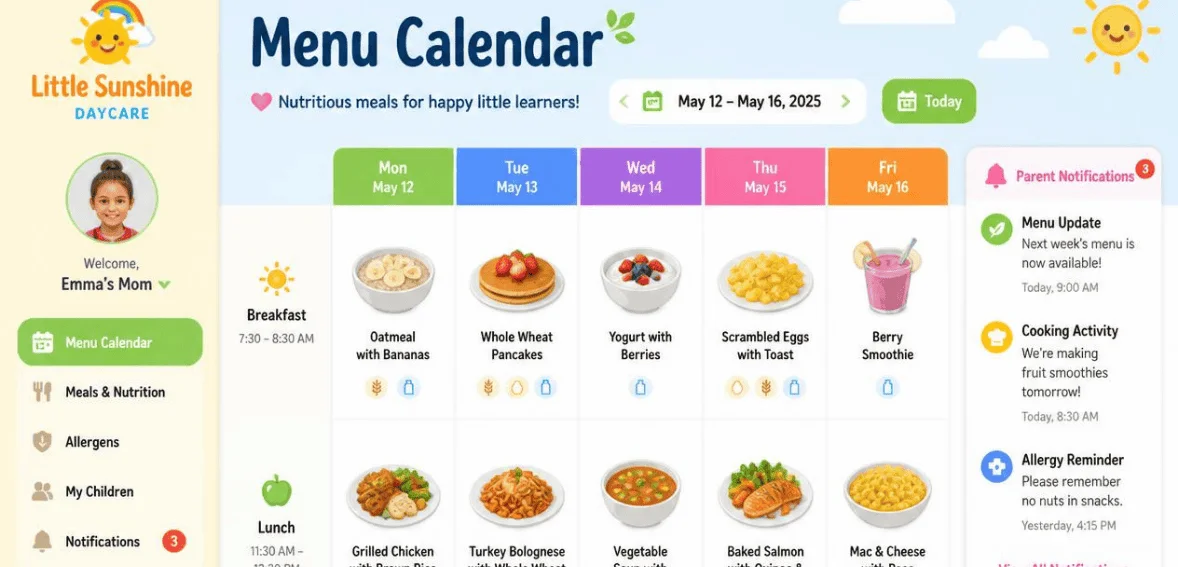
Daycare Menu Calendar Software for Meals, Allergens, and Parent Updates
By clouddaycaremanager September 17, 2026
Feeding a room full of little ones is never as simple as it looks. One toddler has a peanut allergy. Another can’t have dairy. A parent texts to ask what’s on the menu for Thursday. And your state wants proof that every meal met federal nutrition rules. That’s a lot to manage with a paper binder and a dry-erase board on the wall.
Many centers currently utilize daycare menu calendar software for good reason. Quality menu calendar software centralizes meals, allergens, and parent communication. This saves hours. This reduces errors. This allows centers to demonstrate that children are receiving healthy meals. This guide will show you how to choose the software that is best for your center as well as show you how the software works.
What Is Daycare Menu Calendar Software?
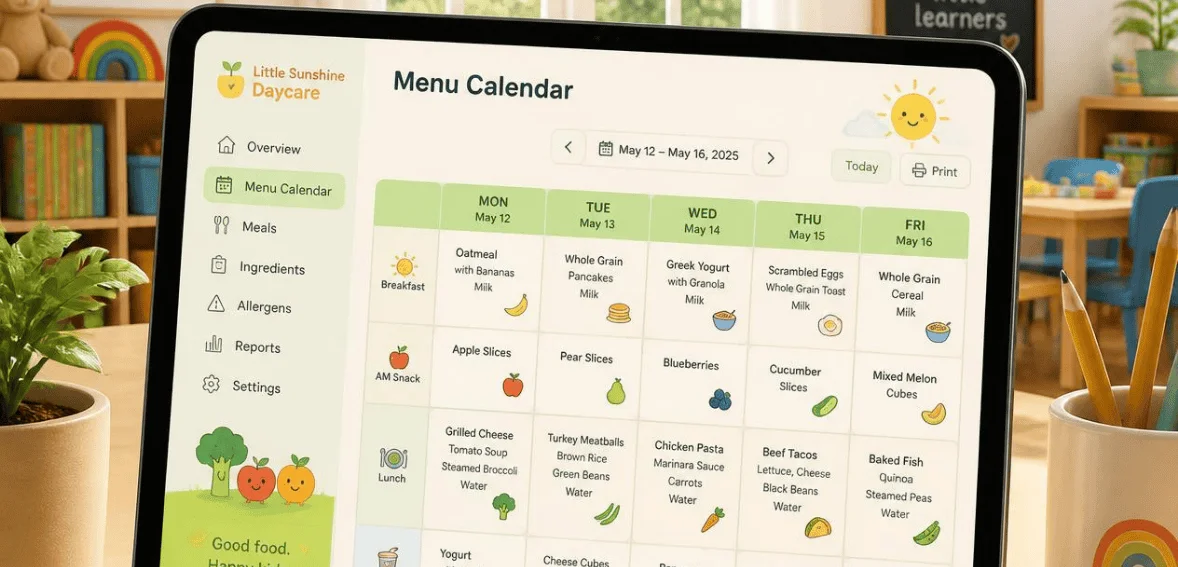
The daycare menu calendar is digital software used for planning, scheduling, and sharing meals within a center. A smart calendar just for food service. You can build your weekly or even monthly menus all on one screen. You can attach each dish’s allergen information. Then you can publish the calendar for staff and parents to view.
The best daycare menu planning software takes it a step further than just storing meals. It checks the menus by nutrition standards. It can also identify and flag missing food groups for a meal at the time of service. It tracks the meals children have eaten. Additionally, it generates reports for audits and reimbursement. It really eliminates a lot of the manual work and time.
Why Meal Planning Is Harder Than It Looks
Food programs at daycares have a lot of responsibility built-into them. Perhaps the biggest concern is that you are responsible for the well-being of children who can’t advocate for themselves. Mixing up an allergen is no small mistake. The stakes don’t get much higher than this.
Children of all ages eat at daycares. The portions of food that are appropriate for toddlers are not appropriate for school-aged children. Kids eat different amounts across the age spectrum, so menus can’t be one-size-fits-all. Menus need to be designed to rotate, but a lot of directors find themselves having to design menus from the ground up every single time.
In addition to rotating menus, daily attendance and classroom head counts dictate menu and meal substitutions. When all of these variables are added into the mix, the logical choice is to have a dedicated menu calendar that automatically incorporates all of the variables that a food program has to respond to on a daily basis.
Building CACFP-Compliant Menus the Easy Way
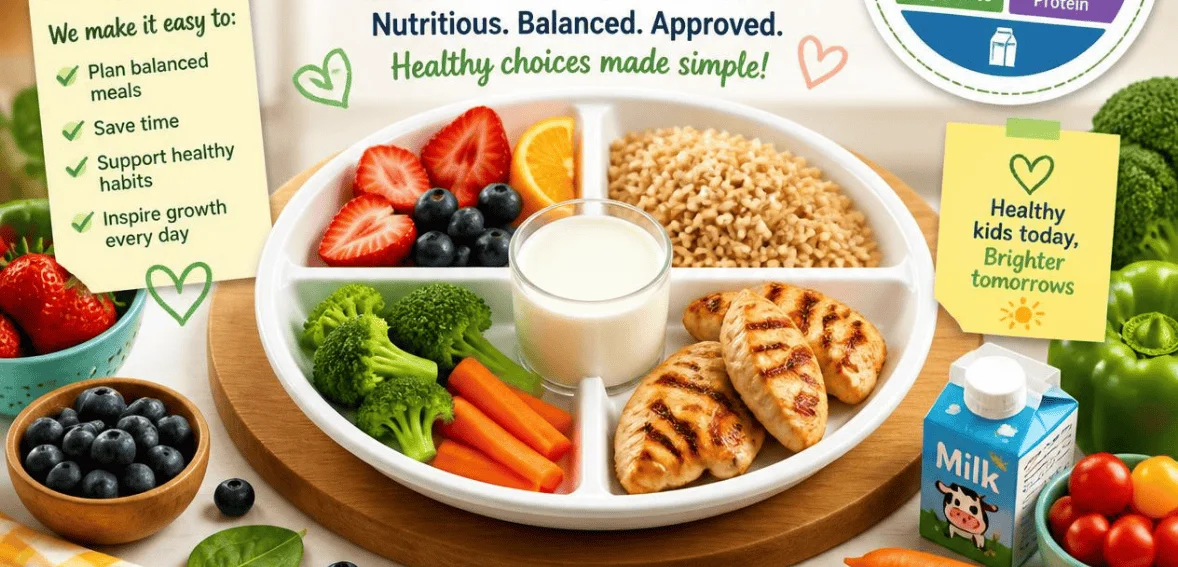
Participation in the Child and Adult Care Food Program means that compliance for your center is obligatory. CACFP stands for the Child and Adult Care Food Program, which is a federally funded nutrition program under the auspices of the U.S. Department of Agriculture. This program subsidizes licensed child care programs for providing eligible children nutritious meals and snacks. Every day, millions of children are served meals and snacks through this program.
To receive the reimbursement, child care centers must serve meals that include the correct food components in the correct amounts. The five components are milk, fruits, vegetables, grains, and meat or meat alternatives. This program also has a guideline for serving sizes for the different age groups, which are the age groups 1-2, 3-5, 6-12 years of age. A very typical and expensive error is to apply the serving sizes for 3-5 years of age to all children, regardless of their age.
This is where good software earns its keep. Strong daycare menu planning software knows these meal patterns by heart. It warns you in real-time when a planned meal is missing a required component, like a whole grain. It matches portions to each age group automatically. And when it’s time to file a claim, it produces audit-ready reports in seconds instead of hours. That accuracy protects both your funding and the children in your care.
Managing Food Allergens Without the Guesswork

Food allergies are a challenge for all childcare facilities, and many of them have not found improved solutions. Allergy information posted on a fridge is not better than relying on a teacher’s memory, both of which are still better than nothing, because mistakes will be made. For all children, and for the very young especially, one mistake is one too many.
The FDA identifies 9 major food allergens, the respective food items being: milk, eggs, fish, shellfish, tree nuts, peanuts, wheat, soybean, and sesame. Menu planning software allows for tagging food allergens to specific food items (dishes). This means that when a dish is served that contains the flagged ingredient, alerting the staff is done before the food is served to a child.
In fact, many software systems build individual allergen profiles for children. Inputting the allergies and restrictions for a child the first time allows the software to scan all menus and provide allergy-related information for that child, including suggested food substitutions, and maintain allergy restriction records in a convenient format.
Keeping Parents in the Loop
Parents want to know what their child is eating. It’s a simple wish, but it builds enormous trust. A daycare menu calendar makes that easy. You publish the menu once, and families can view it from a phone app or a web portal anytime.
Live parent updates have even more features. If you change a meal at the last second, the parent is notified instantly. If the child tries a new food, it’s easy to document that as well. Certain tools even track how much food a child ate during a meal. This information is compiled in a report that is distributed for the day. This level of transparency is able to answer questions even before they are asked. This even helps reduce the number of phone call inquiries and “conversational interruptions.” The information provided about your food program makes it easier to sell the program to the center.
Popular Daycare Menu Planning Software Options
Several platforms stand out in the US market. Each brings a slightly different strength, so it helps to see how they compare.
Brightwheel
Brightwheel is a popular child care management app with great meal and CACFP tools. The meal planning tool is based on USDA meal planning guidelines, so staff can be sure their menus contain all food components and the appropriate serving sizes. Staff can log meals with a tap from the classroom and avoid the dreaded data entry some hours later. There is also a menu uploader that digitizes menus with the snap of a camera, and alerts that notify when components are missing. For centers that want the food service, attendance, billing, and daily reports all integrated in one app, this is by far the most popular choice.
KidKare
KidKare completely automates the CACFP claims, menus, attendance, and enrollment functions for independent childcare centers. KidKare performs tens to hundreds of built-in edit checks and is compliant in all 50 states. Users can create, schedule, and recycle menus for any timeframe whether that be weekly, quarterly or yearly. The system even has built-in temperature checks and allergy alerts, all on the same screen. When the time comes to file for reimbursement, claims can be generated and submitted directly to the state agency via KidKare.
Illumine
Illumine integrates menu planning, allergen management, reusable templates, and CACFP reporting on one platform. It allows meal planning by room and is useful when serving different age groups in different classrooms. Allergen data attaches to food items, so it flags unsafe meals. Since most centers rotate the same menus every few weeks, it reduces the setup time with reusable templates. When the reporting time comes, the data is organized and ready for export, instead of being put together manually.
Key Features Worth Looking For
Not every tool is built the same, so it pays to shop with a checklist in mind. First, look for automatic CACFP compliance checks that catch missing components before service. Next, make sure allergen tagging can be tied to both individual dishes and individual children. A mobile app for logging meals in the moment is another big time-saver, since staff can record food service tableside rather than from memory later.
To avoid building the same rotation every month, you’ll want to have menu templates that are reusable. With a click reporting system, you won’t have reimbursement claims taking up your whole afternoon. Lastly, think about how the food tools integrate with the rest of your operation, like attendance and parent messaging. If your check-in system is connected with the menu tool, it allows for a more accurate and honest meal count for your system. The best platform is the one that has the least amount of work for how your center runs.
How the Right Software Saves Time and Money
The payoff here is practical, not abstract. Manual record-keeping can eat several hours every single week. Automating menus, meal counts, and reports gives that time back to your staff and your children. Fewer errors also mean fewer disallowed meals, which protects the reimbursement dollars your program depends on.
There is also a quality angle. If menus are designed with good dietary guidelines and checked automatically, children receive more consistent balanced meals. Habits of healthy eating are established in childhood and typically remain with them throughout their lives. Therefore, the benefits are visible in your budget, your record of dietary guidelines compliance, and the healthy well-being of children.
Choosing the Right Platform for Your Center
Start where it hurts the most. If processing claims gives you the most grief, choose a tool that automates a majority of the CACFP process. If your main concern is the ever-present issue of allergy safety, then choose software that tracks allergens. If you have a gap in your process of parent communication, choose software with a live update capability.
After that, think about how big your program will be and how much the software will cost. A small home program will have different concerns than a larger program with many classrooms. Most software providers will offer a free trial, so be sure to test the software before you buy. Inquire about support, training, and state compliance. See if the food tools are part of the larger system or if they are stand-alone tools. The goal is not to have the shiniest software, but rather the software that your childcare employees will use each day with ease.
Conclusion
Feeding children well is one of the most important jobs a daycare does. It’s also one of the most complex, thanks to allergies, federal rules, and busy parents who deserve answers. Daycare menu calendar software takes that weight off your shoulders. It plans compliant meals, guards against allergens, keeps families informed, and hands you clean records at claim time.
The right platform doesn’t just save hours. It lowers risk, protects funding, and helps every child eat safely and well. Whether you choose an all-in-one system or a food-focused specialist, the move away from paper is one your staff and your families will thank you for. Compare a few options, run a demo, and pick the tool that fits how your center really works.
Frequently Asked Questions
1. What is daycare menu planning software used for?
It’s used to plan, schedule, and share meals in a childcare setting. The software helps you build compliant menus, tag allergens on each dish, track what children eat, and generate reports for audits and CACFP reimbursement. It replaces the paper binders and spreadsheets many centers once relied on.
2. Does menu calendar software help with CACFP compliance?
Yes. Quality platforms know the CACFP meal patterns for each age group. They flag missing food components in real-time and match serving sizes to each child’s age. When it’s time to file, they produce audit-ready reports quickly, which reduces errors and helps protect your reimbursement.
3. How does the software handle food allergies?
You enter each child’s allergen profile once and tag allergens on your food items. The system then cross-checks every menu automatically and alerts staff before an unsafe meal is served. Many tools also suggest safe substitutions and keep a clear record of each child’s restrictions.
4. Can parents see the daycare menu online?
Yes. Most platforms let you publish the menu to a parent app or web portal that families can view anytime. Many also send live updates when meals change and share daily reports on what and how much a child ate, which builds trust and cuts down on phone calls.